How the partner operator login works
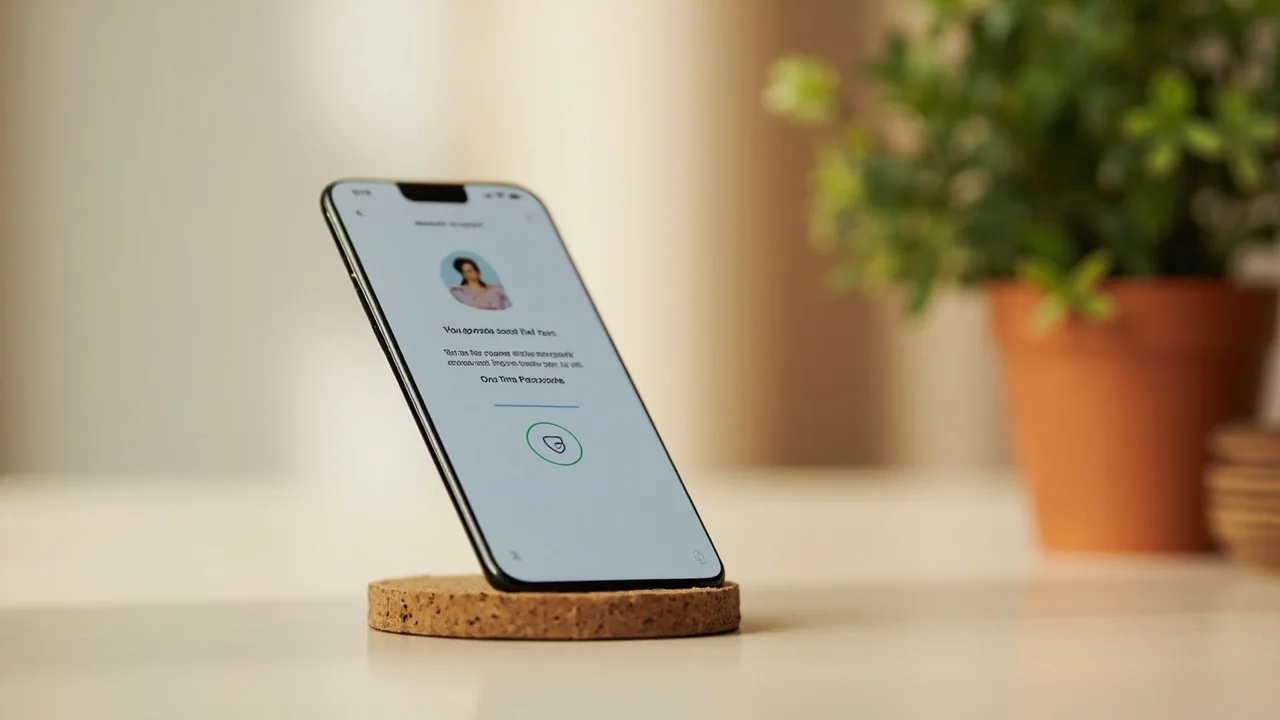
Login is owned by the partner operator. You sign in with your phone number, receive a one-time password (OTP), and the partner app confirms the session. Two-factor authentication is enforced by default. The desk does not collect credentials and does not run any login form on this site.
Recover a forgotten password or phone number
If you forgot the phone number on the account, use the partner operator’s account recovery flow. Recovery requires the original phone number or the email backup. If you have neither, the partner operator’s customer-care team can verify your identity with KYC documents.
For a forgotten MPIN or app PIN, the partner app can send a reset OTP to the registered phone. PIN reset does not affect the partner login.
Common error messages and what they mean
| Message | Meaning |
|---|---|
| Invalid OTP | OTP expired or wrong digit — request a new one. Standard 5-minute validity. |
| Account locked | Too many incorrect attempts. Wait 15 minutes or contact support. |
| Session expired | Idle for 30+ days. Sign in again. KYC remains valid. |
| Restricted state | Your state blocks real-money contests. See /is-it-legal/. |
| KYC incomplete | Real-money contests require completed KYC. See /wallet-kyc/. |
Two-factor authentication and security
The partner operator enforces two-factor authentication by default. Sign-in with a phone number receives an OTP via SMS. The OTP is valid for 5 minutes. The partner operator does not collect passwords — sign-in is OTP-based by design.
Session management
Sessions expire after 30 days of inactivity. Re-sign-in refreshes the session and does not affect KYC or wallet state. Multiple-device sessions are supported; signing in on a new device does not invalidate the session on the old device unless you explicitly sign out from the partner operator’s privacy settings.
If you cannot receive the OTP
If you cannot receive the OTP (lost phone, network issues, foreign travel), contact customer care via /customer-care/. The partner operator will verify identity through KYC documents and reset the registered phone number.
The session token
After successful sign-in, the partner app maintains a session token. The token is stored on the device and rotates every 24 hours. If the token expires unexpectedly, sign in again to refresh.
Device trust and sign-in alerts
On a new device, the partner app may send a sign-in alert to your registered phone number. The alert is informational — it does not require a confirmation — but it helps you monitor for unfamiliar sign-ins.
The recovery window
If you forget the registered phone number or need to recover access without the OTP, contact customer care. The partner operator’s customer-care team verifies identity through KYC documents before resetting access.
What the desk recommends
Use a phone number you keep active. Keep KYC documents up to date. Avoid sharing the registered phone number with anyone. If your phone number changes, contact customer care promptly.
The desk’s login recommendations
Use a phone number you keep active. Do not share the OTP. Sign in only on devices you control. Sign out from devices you no longer use. The desk never asks for login credentials; treat any such request as a phishing attempt.
The desk’s reading of login security
The desk publishes editorial reference on login security. The desk recommends two-factor authentication, unique phone numbers, and device trust verification. The desk never collects or processes login credentials.
What the desk recommends
Three recommendations on login. First, use a phone number you keep active. Second, do not share the OTP with anyone, including anyone claiming to be partner-operator staff. Third, sign in only on devices you control; sign out from devices you no longer use.
The desk’s login reading
The desk publishes editorial reference on login security. The desk recommends two-factor authentication, unique phone numbers, and device trust verification. The desk never collects or processes login credentials. The desk never asks for OTP codes.
The side of the desk on login
The desk believes login security is a partner operator responsibility. The desk publishes editorial reference; the partner operator runs the sign-in flow. The desk does not store or process OTPs.
Sign-in alerts and what they mean
On a new device, the partner operator may send a sign-in alert to your registered phone number. The alert is informational. The alert helps you monitor for unfamiliar sign-ins. If you receive an alert for a sign-in you did not perform, contact customer care within 24 hours.
The desk’s login policy
The desk publishes editorial reference on login security. The desk recommends two-factor authentication, unique phone numbers, and device trust verification. The desk never collects or processes login credentials. The desk never asks for OTP codes. The desk’s role is editorial reference; the partner operator runs the sign-in flow.
Session security
The partner operator maintains a session token that rotates every 24 hours. The session token is stored on the device and on the partner operator’s server. Sign-in alerts are sent to your registered phone number on unfamiliar sign-ins. Sessions expire after 30 days of inactivity.
Recovering access
If you lose the registered phone number or cannot receive the OTP, contact customer care via /customer-care/. The partner operator’s customer-care team verifies identity through KYC documents before resetting access. The process takes 24 to 72 hours under normal load.
The desk’s three login asks
First, use a phone number you keep active. Second, do not share the OTP with anyone, including anyone claiming to be partner-operator staff. Third, sign in only on devices you control; sign out from devices you no longer use.
The desk’s login policy
The desk publishes editorial reference on login security. The desk recommends two-factor authentication, unique phone numbers, and device trust verification. The desk never collects or processes login credentials. The desk never asks for OTP codes. The desk’s role is editorial reference; the partner operator runs the sign-in flow.
The desk’s three login asks
First, use a phone number you keep active. Second, do not share the OTP with anyone, including anyone claiming to be partner-operator staff. Third, sign in only on devices you control; sign out from devices you no longer use.
The partner operator pipeline
The partner operator maintains a session token that rotates every 24 hours. The session token is stored on the device and on the partner operator’s server. Sign-in alerts are sent to your registered phone number on unfamiliar sign-ins. Sessions expire after 30 days of inactivity.
Closing thoughts on login
The desk treats login security as a partner operator responsibility. The desk publishes editorial reference; the partner operator runs the sign-in flow. The desk never collects or processes OTPs or session tokens.
The three login asks, restated
First, use a phone number you keep active. Second, do not share the OTP. Third, sign in only on devices you control. These three asks are the building blocks of login security on a partner operator app.
Recovery final
If you cannot receive the OTP or recover the registered phone number, contact customer care within 24 hours. The partner operator’s customer-care team verifies identity through KYC documents before resetting access.